Realme, a popular smartphone brand in India, has launched its latest C-series smartphone, the Realme C51, today. The Realme C51 is a budget-friendly smartphone that boasts of some impressive features and a unique and attractive design.
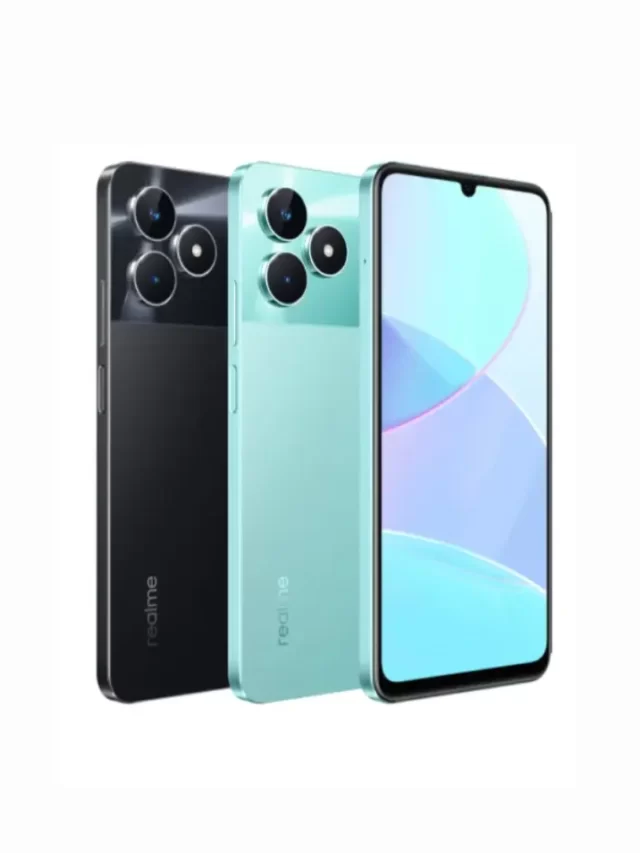
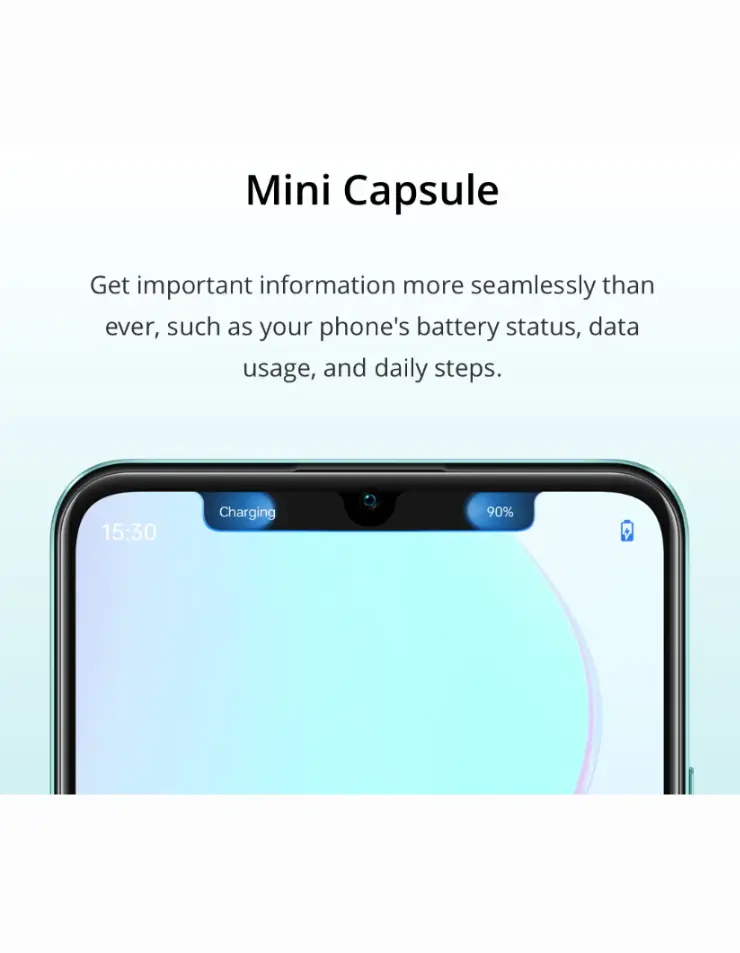
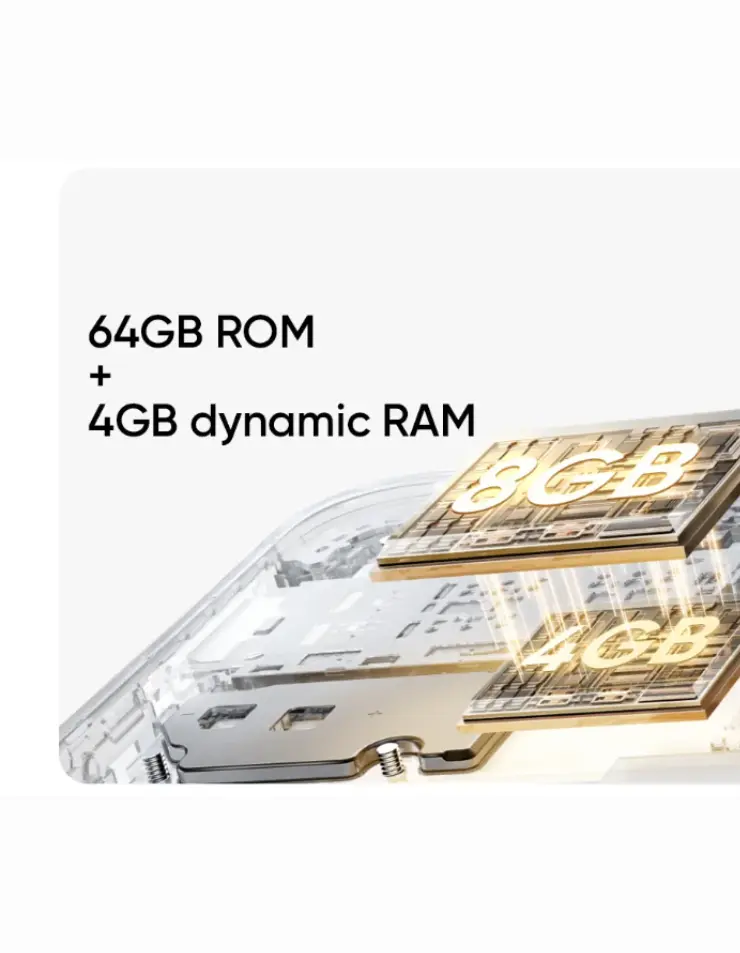
Realme C51 Review: The Realme C51 has a 6.7-inch HD+ display with a resolution of 720 x 1600 pixels and a 90Hz refresh rate. The display can offer a fluid and immersive visual experience for the users. The Realme C51 is powered by the Unisoc T612 octa-core chipset with 4GB of RAM and 64GB of internal storage. The processor can deliver a smooth and fast performance for multitasking and gaming needs.
The Realme C51 has a dual rear camera setup with a 50MP primary sensor and a depth sensor. The rear camera can take stunning photos and videos in various modes and scenarios such as night mode, portrait mode, panorama mode, time-lapse mode, slow-motion mode, etc. On the front, it has 5MP camera with f/2.0 aperture.
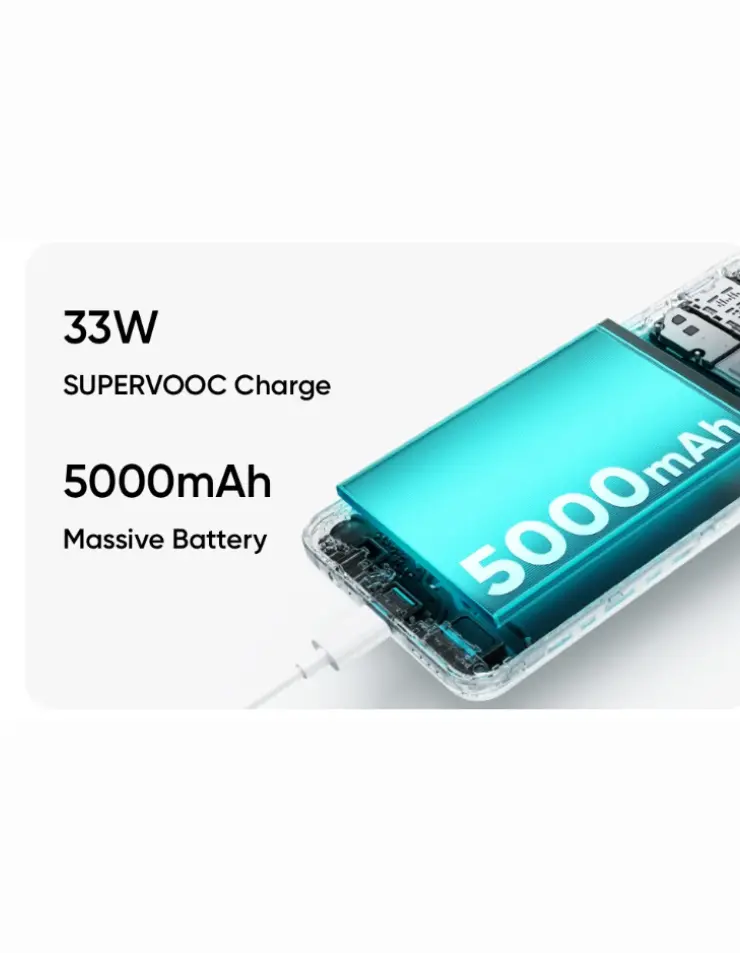
It has a 5000mAh battery that supports 33W SuperVOOC wired fast charging and runs on Android 13 with Realme UI T Edition, out of the box.
The Realme C51 is priced at Rs. 8,999 for the single 4GB + 64GB version. It will be available on Flipkart and the Realme website from today at 6 PM via the early bird sale. There is also a flat Rs. 500 instant discount for buyers who use HDFC, SBI, or ICICI bank cards.
Realme C51 Pros:
- Large and smooth display
- Decent processor
- Versatile and impressive camera
- Massive and fast-charging battery
- Unique and attractive design
Realme C51 Cons:
- Low screen resolution
- Limited storage capacity
- No ultra-wide or macro lens